Lab Simulator

Test Measure Simulate Share

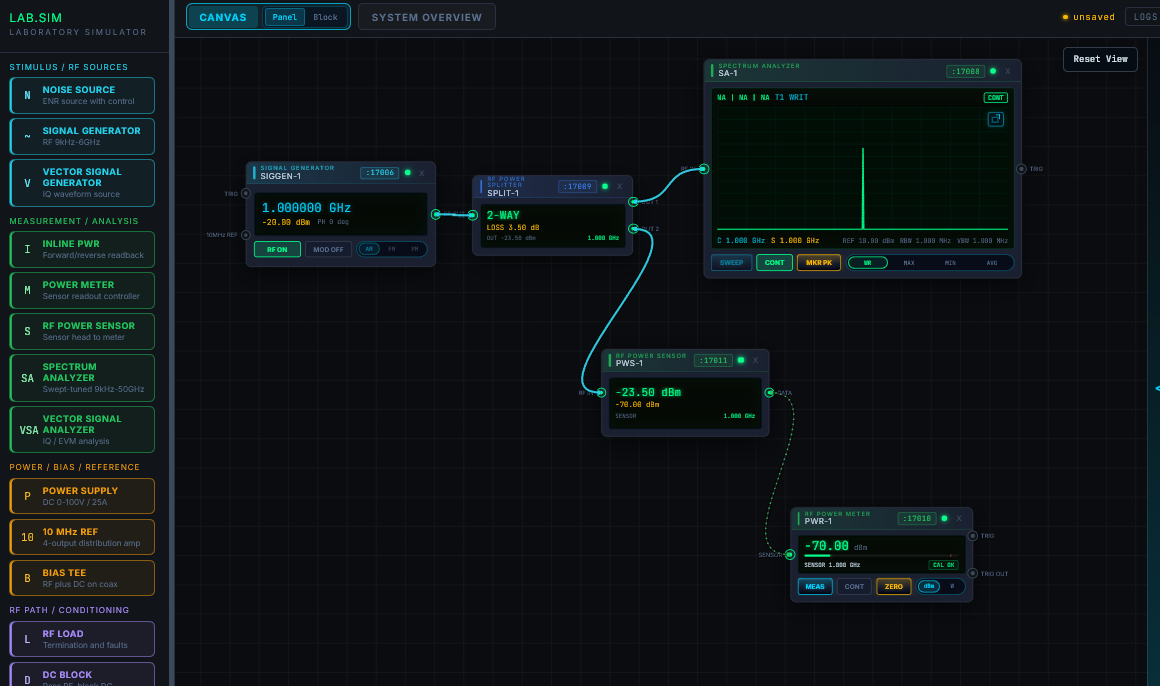
Build and test complete virtual benches—arrange instruments, connect signal paths, and watch measurements respond—before touching physical equipment.

  • Windows
  • macOS
  • Linux

Invitation-only desktop builds.

Free web demo available with sign-in.

How it works

  1. Build

    Place sources, analyzers, loads, and DUTs on a virtual bench.

  2. Connect

    Wire RF, DC, reference, control, and trigger paths.

  3. Observe

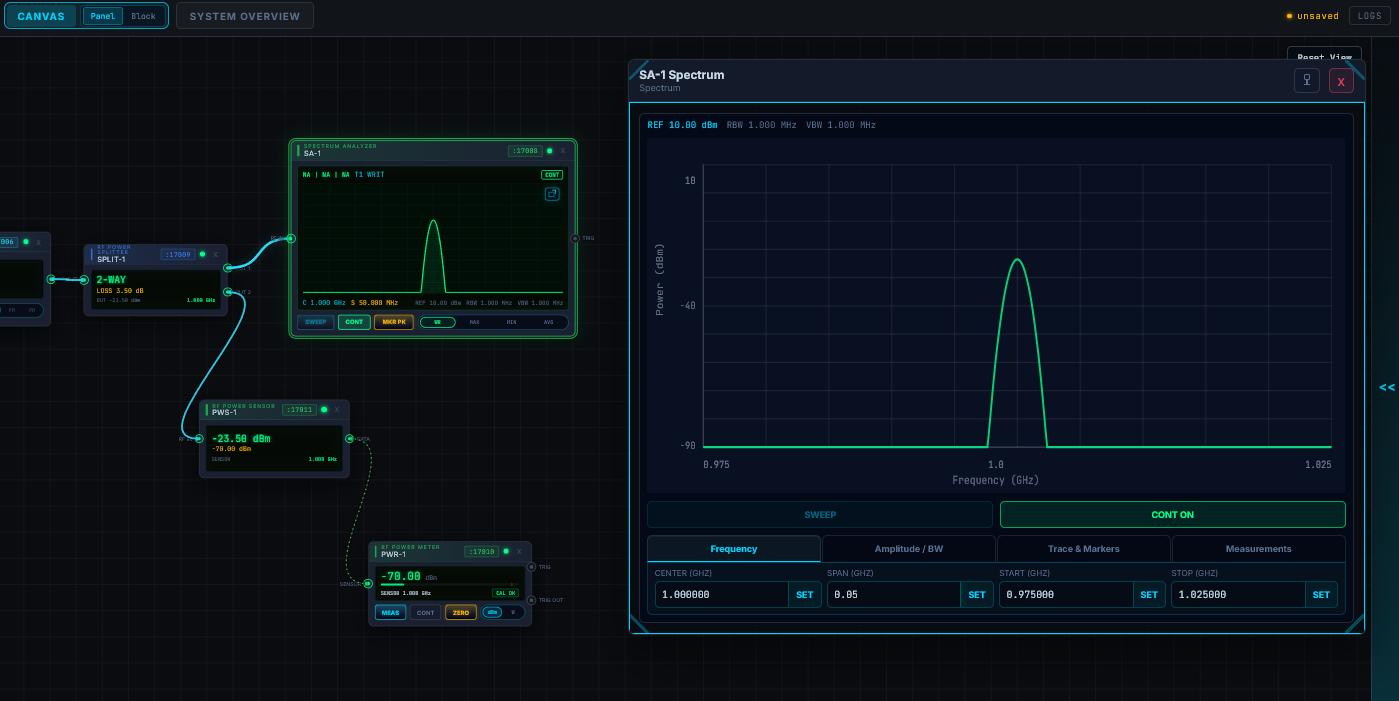
    See telemetry, warnings, traces, and changing behavior.

Capabilities

Available now

  • Visual bench builderPlace, organize, and wire equipment on a freeform canvas.
  • Live signal behaviorPropagate RF, DC, reference, control, and trigger changes.
  • 22 instrument typesUse the instrument library included in the reviewed simulator revision.
  • Measurement workflowsUse acquisitions, traces, markers, alarms, and latched results.
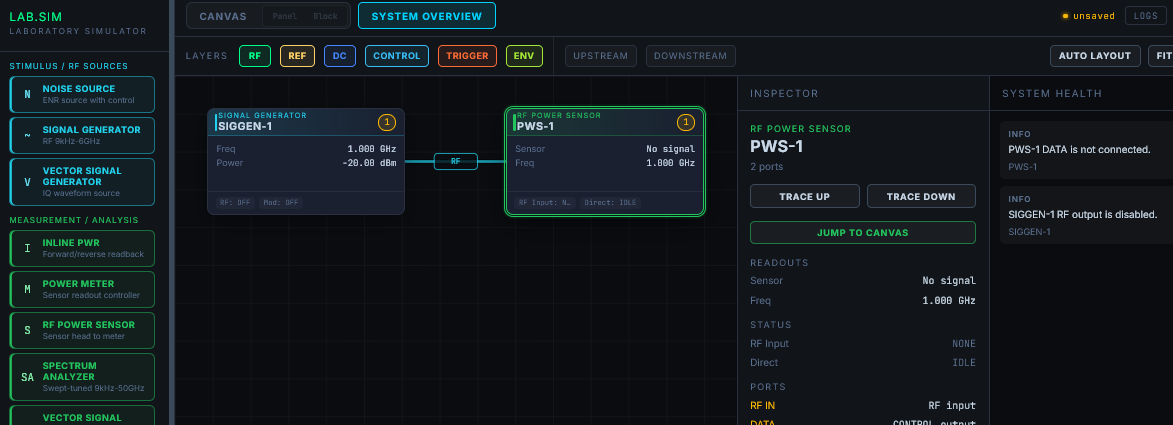
  • System diagnosticsFilter layers, trace paths, and surface connection or component faults.
  • Reusable sessionsRestore browser-local sessions; save bench files and presets in the desktop app.
  • SCPI automationDrive desktop instruments from external Python, LabVIEW, and TCP clients.
  • Vector RF analysisExplore IQ, constellations, EVM, PAPR, and occupied bandwidth.

In development

  • Shared projectsPersist, review, and collaborate on controlled bench workspaces.
  • Thermal environmentsLet temperature change RF power, gain, current draw, and operating limits.
  • Configurable noise floorRehearse weak-signal and noise-figure work under chosen conditions.
  • Timing and protectionModel settling, switching, overload trips, harmonics, and recovery.
  • Advanced analyzer metricsAdd ACLR, clipping, IQ offsets, noise metrics, and EVM trends.
  • Controlled fault injectionIntroduce route loss, supply droop, intermittent links, and failures.

Planned scope may change as behavior models are validated.

Ready to build your first virtual bench?

Explore the free web demo or request approval-based desktop early access.